People who fracture their time putting out fires seem more productive, or at least more responsive, than the people who block out time to think. It’s harder to notice someone not being frantic. Thinkers don’t fare well in environments that reward activity more than accomplishment.
It is helpful to write always at the same time of day. Scheduled obligations often raise problems, but an hour or two can almost always be found in the early morning-when the telephone never rings and no one knocks at the door. And it is important that you write something, regardless of quantity, every day. As the Romans put it, Nulla dies sine linea-Noday without a line. (They were speaking of lines drawn by artists, but the rule applies as well to the writer.) As a result of all this, the setting almost automatically evokes verbal behavior. No warm-up is needed. A circadian rhythm develops that is extremely powerful. At a certain time every day, you will be highly disposed to engage in serious verbal behavior.
B.F. SKINNER
From James Webb Young, The Diary of an Ad Man: The War Years, June 1, 1942-December 31, 1943 (Chicago: Advertising Publications, 1944)—
“Talked with domestic science editor of one of the women’s magazines. She told me that she had tested literally thousands of recipes, covering almost every kind of food. Asked her what, after all this, she considered the best eating. She thought it was pretty hard to beat a good sirloin steak, washed down with straight whiskey. Western gal.” (via The Poetry of Sight: Sirloin Steak and Whiskey)
"No birdsong in the hedgerow"
#Coleridge demurred only partly because he was afraid of the enormous outlay of energy it takes to shepherd a young man to intellectual awareness (although that fear alone is usually what stops would-be preceptors in their tracks); the rest of it was the result of his up-close estimation of Charles: underneath the languid ‘Romantic’ pose of philosophical questing, there wasn’t a whole lot going on (“no birdsong in the hedgerow,” as one contemporary put it).
"Boots and hats and pocketknives"
#“How do you and your wife split songwriting chores?“
It’s an adventure. You’ve got a flashlight, I’ve got the map. You hold the nail, I’ll swing the hammer. You wash, I’ll dry. If two people know the same thing, one of you is unnecessary. My wife has dreams and is telepathic and clairvoyant and female. I write from the news or what I see in my field of vision. I’m boots and hats and pocketknives. She’s filled with musical and lyrical surprises. She’s a joy to work with.”
From Tom Wait’s Library
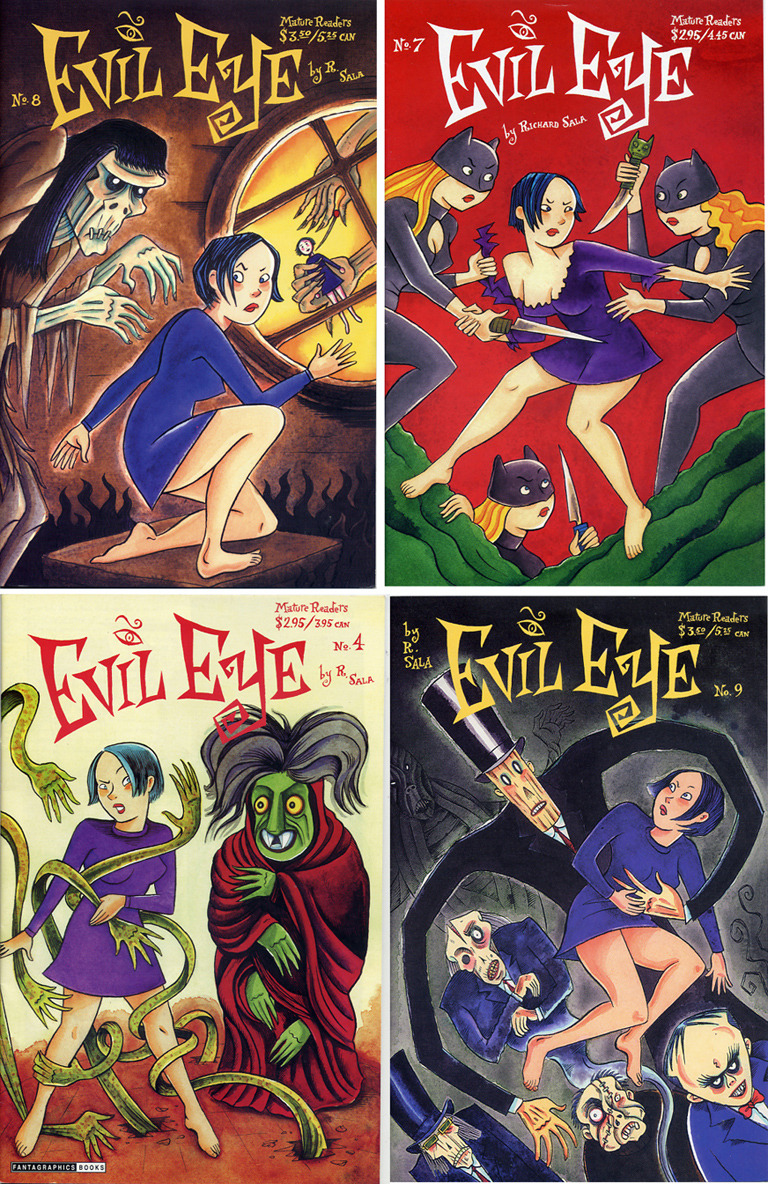
Some more EVIL EYE covers
Seth Godin: "A great way to give thanks"
#A great way to give thanks…
for the privileges we’ve got is to do important work.
Your job, your internet access, your education, your role in a civilized society… all of them are a platform, a chance to do art, a way for you to give back and to honor those that enabled you to get to this point.
For every person reading this there are a thousand people (literally a thousand) in underprivileged nations and situations that would love to have your slot. Don’t waste it.
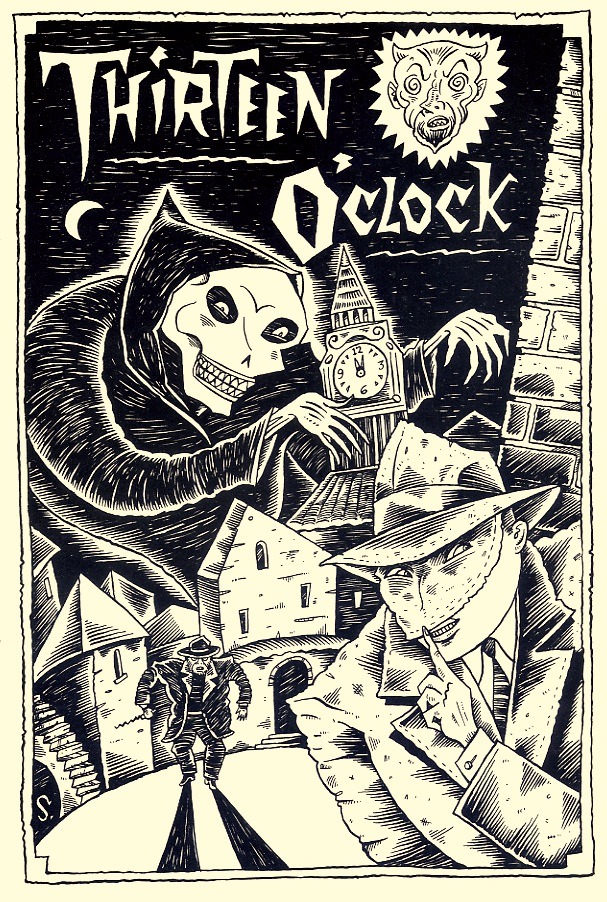
Richard Sala: "Thirteen O'clock"
#
"Elephant time"
#“What you newspaper and magazine writers, who work in rabbit time, don’t understand is that the practice of architecture has to be measured in elephant time.”
Eero Saarinen/Eero Saarinen on His Work/elephant time
A good magazine article doesn’t need an introduction, so don’t begin with the background of your subject, how you happened to get interested in it, why the reader should read it, or how you obtained the information for it. Begin your article with conflict that produces tension, often revealed by including a brief example or anecdote and problem that will be resolved at the end. It’s a good rule to start as near the end as possible and then plunge your reader into the central tension. When you’ve involved your reader in this way, weave in background facts or information as you think the reader needs it to understand the purpose and point of your piece.
DONALD M. MURRAY